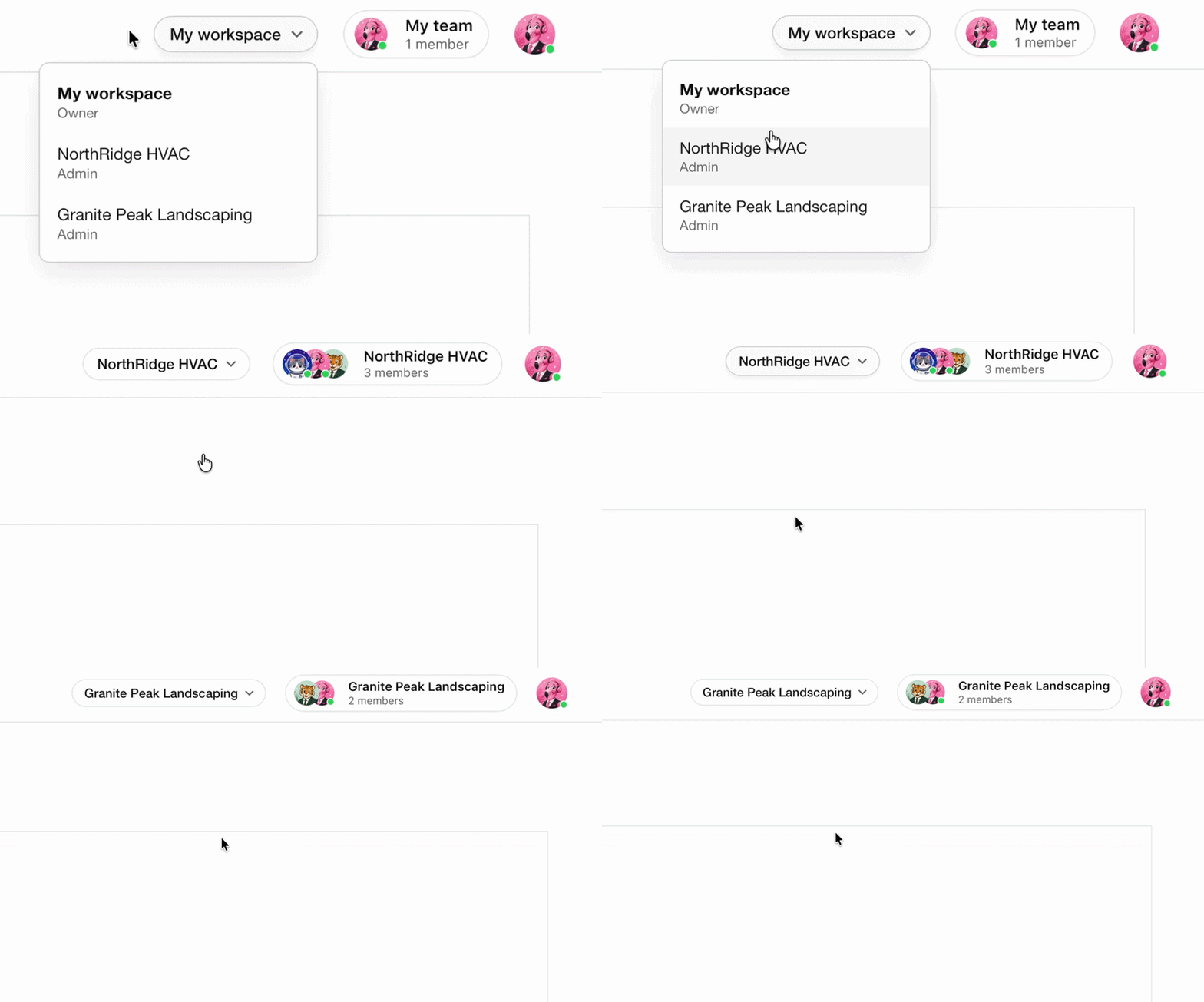

Inviting a team member grants them access to your business, making it simple to collaborate with agencies, marketers, developers, and staff.
Admins can be given access to websites, forms, email campaigns, and other workspace tools, allowing your team to manage submissions and keep your business moving forward.
Admins & Owners can:
- Manage your domain’s DNS settings
- Manage websites in Pathline Web Studio
- View and manage form submissions
- Create and send email campaigns
Voice seats
Voice seats control who can answer the business line. Assign a seat when someone needs calls, SMS, and contacts. Leave it off when they only need websites, forms, or campaigns.
- Communicators need a voice seat and a line assignment. They live on the phone: voice, SMS, messages, and team chat.
- Admins can join without a voice seat, so marketers and developers can ship sites and campaigns without burning a phone seat.
- Owners use a seat when they take calls on the shared line.
Out of seats? Add more from Team settings. Owners and admins can upgrade without leaving the invite flow.
Invite Team Members
Invite teammates from Team member settings in the Pathline web app, on Android, or on iOS. They join in seconds, no IT ticket required.